
Gmail for your
GitHub notifications
Octobud is a Mac desktop application that helps you manage the flood of GitHub notifications with advanced filtering, custom views, keyboard shortcuts, and automation rules.
See It In Action
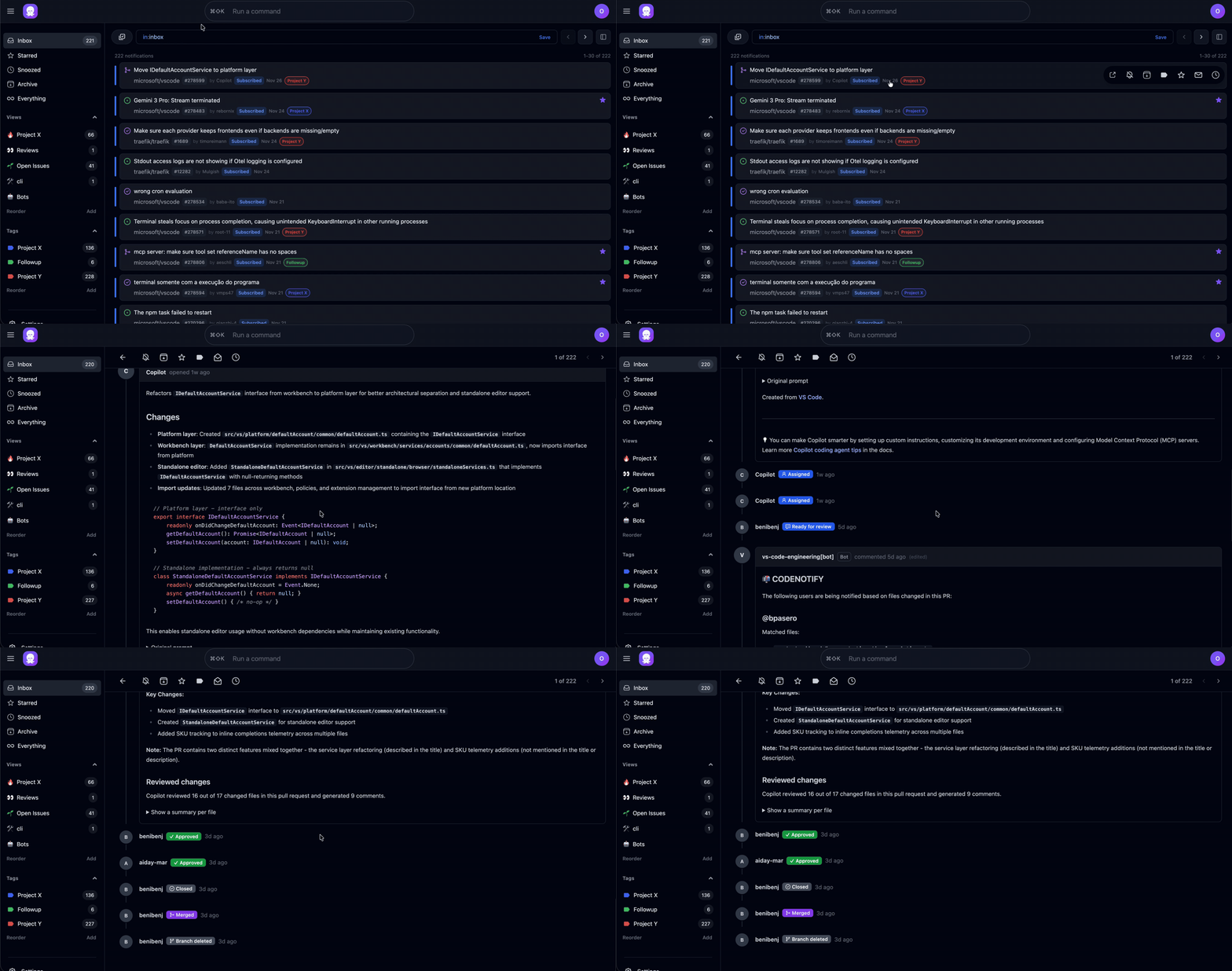
Gmail-like Notification Inbox
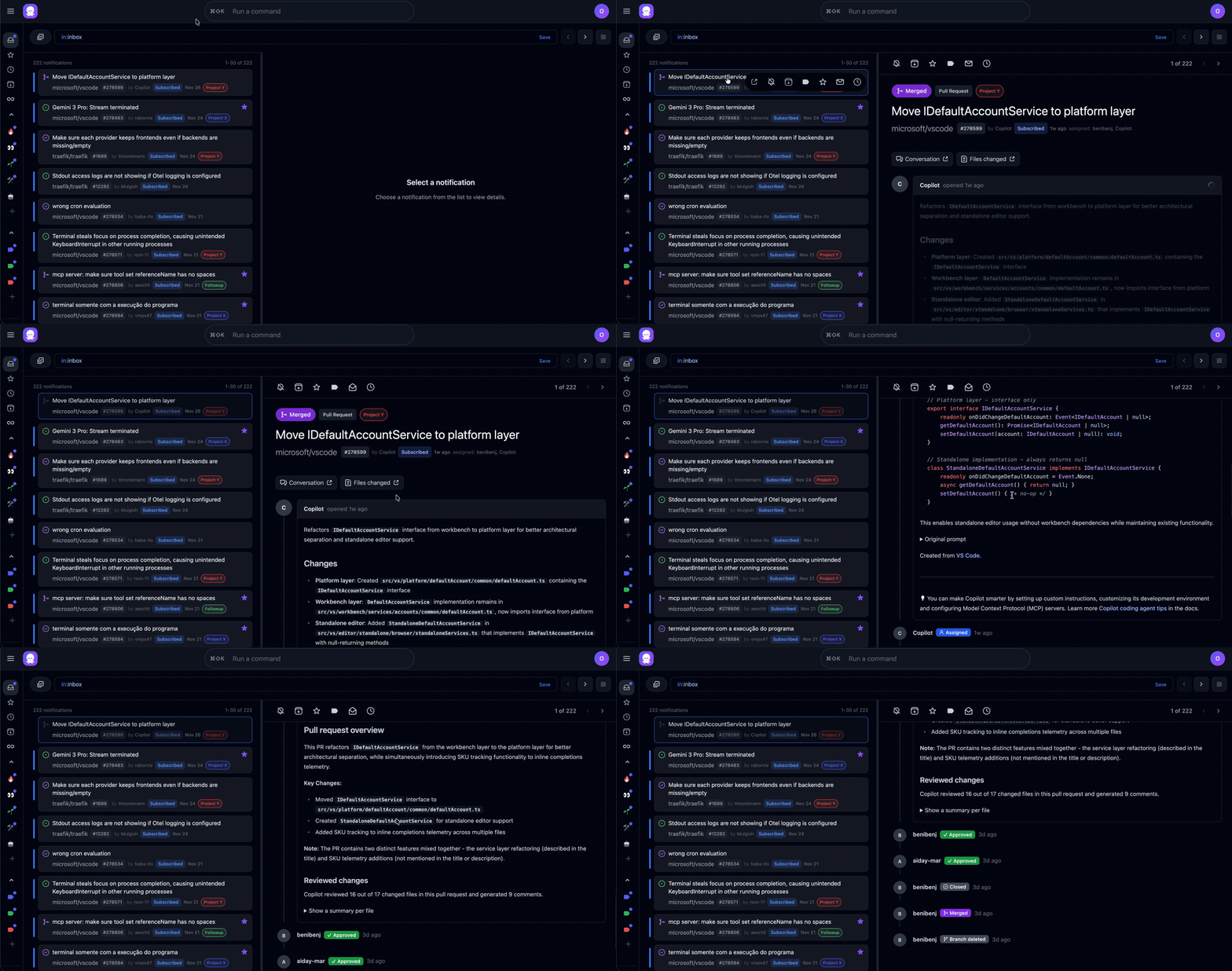
Split Pane Mode
Full Lifecycle Management
Star, Snooze, Archive, Tag, and Mute notifications. Keep your inbox clean and focused.
Inline Issue and PR Details
View status, comments, and more inline without leaving your inbox.
Split Pane Mode
View details side by side with your inbox for efficient triage.
Custom Views
Create filtered views with a query language (e.g.,
repo:octobud,traefik,vscode AND (reason:review_requested OR tags:followup)).
Keyboard-First
Navigate and manage notifications without touching your mouse. Vim-style j/k navigation and intuitive shortcuts.
Automation Rules
Automatically archive, filter, or tag notifications based on criteria. Skip the noise, surface what matters.
Tags
Organize notifications with custom tags and colors for better organization.
Real-Time Sync
Background worker keeps notifications up to date automatically.
Desktop Notifications
Never miss a review request or issue reply with desktop notifications.
Privacy-First
Local-first desktop app, your data stays on your machine. Open source under AGPL-3.0.
Quick Start
Download and install the Mac app (recommended), or build from source for Linux/Windows.
# Option 1: Download installer (recommended)
# Download from: https://github.com/octobud-hq/octobud/releases
# Install the .pkg file, then launch Octobud from Applications

# Option 2: Build from source
git clone https://github.com/octobud-hq/octobud.git
cd octobud
make build
./bin/octobud
On macOS, Octobud appears in your menu bar and opens automatically. On Linux/Windows, open
http://localhost:8808 manually. See the full
setup
guide for more details.